
Resume Builder
Tailor a Resume to a Job Description on iPhone
You do not need to rewrite your entire resume for every role. On iPhone, the best approach is to adjust the parts that connect most directly to the job description.
Find the Role's Repeated Signals
Read the job description for repeated skills, tools, responsibilities, and outcomes. These are the signals the employer cares about most.
Only use terms that match your real experience.
Update the Summary and Top Bullets
The top third of your resume gets the most attention. Adjust the summary and the first bullets under relevant roles so they align with the target job.
Small changes can make the resume feel much more relevant.
Keep Multiple Versions Organized
Save role-specific resume versions with clear names. This helps when attaching a resume from your iPhone and prevents sending the wrong file.
Apply While the Role Is Fresh
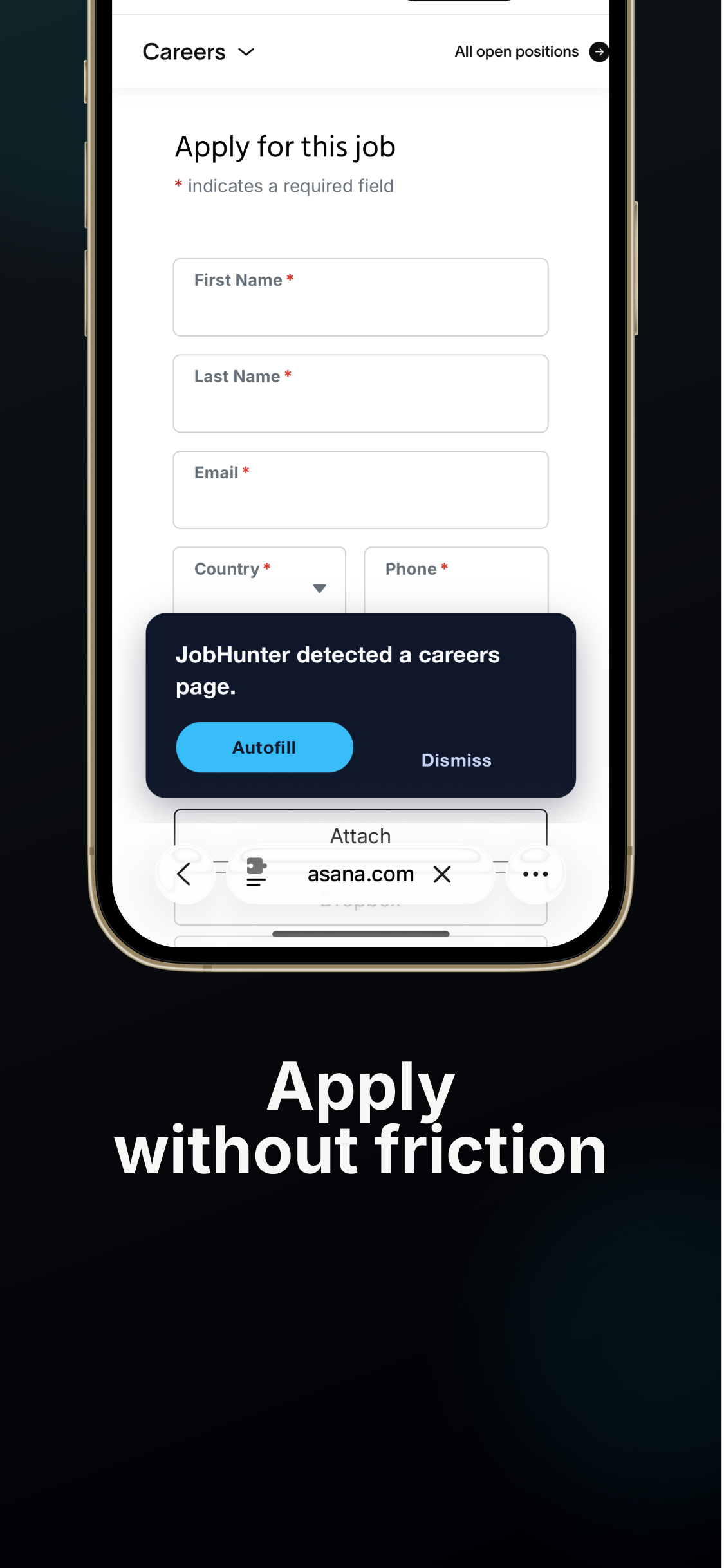
Once the resume is tailored, use JobHunter to move through the form faster and attach the right version while the opportunity is still fresh.
Match Resume Keywords to a Job Description
Resume keywords help connect your experience to the job description. The goal is to reflect real experience in the employer's language, not to overload the document.
Look for Skills, Tools, and Responsibilities
Highlight required tools, technical skills, certifications, responsibilities, and outcomes. Repeated terms usually matter more than one-off phrases.
Group the terms by what you can honestly support with experience.
Place Keywords Where They Make Sense
Use keywords in your summary, skills section, and work bullets. A keyword is stronger when attached to a result or project.
For example, mention the tool and what you achieved with it.
Avoid Keyword Stuffing
A resume that lists keywords without context can look weak to recruiters. Use natural language and keep the resume readable.
If you do not have a skill, do not add it just because it appears in the description.
Save the Version Before Applying
Once you tailor the resume, save it clearly and attach that version in the application. JobHunter helps keep the mobile application flow moving after the resume is ready.
Job Match Keywords and Your Resume
Keywords help connect your resume to job descriptions, but keyword stuffing can make an application weaker. Use repeated terms to clarify your experience, not exaggerate it.
Collect Repeated Terms
Review several matched jobs and note the skills, tools, and responsibilities that appear repeatedly. Repeated terms are stronger signals than one-off wording.
Add Keywords Where They Are True
If a job asks for a tool you have used, include it in the relevant bullet or skills section. If you have not used it, do not add it just to match the posting.
Use Natural Resume Language
A strong bullet explains what you did, how you did it, and what changed. The keyword should fit naturally inside that evidence.
Update Your Profile Too
When you refine your resume around a target role, update your JobHunter profile so future matches reflect the same direction.
Use a Requirement-to-Evidence Map
Create two short columns before editing: what the employer repeatedly asks for and where your resume proves it. A requirement such as customer onboarding should point to a bullet showing the number or type of customers, the process you owned, and the result. A tool such as Salesforce should appear only when you have used it. This map prevents keyword copying without evidence.
On iPhone, keep the job description and resume accessible so you can compare one section at a time. Update the summary, skills order, and a small number of bullets rather than rewriting your work history. The tailored version must remain accurate and should still sound like the same person.
Prioritize Changes That Recruiters Notice
First align the target title or professional summary. Next move the most relevant skills and accomplishments higher. Finally, adjust wording so the resume uses standard terms from the field. Do not change official job titles into something misleading; add a clarifying parenthetical or summary when necessary.
Save the result as a new, clearly named version and keep the original. Before attaching it, reopen the PDF and verify that the export did not introduce page breaks or missing text.
Example: Tailoring Without Inventing Experience
A support specialist applying to customer success may already have onboarding calls, account follow-up, renewal-risk notes, and product feedback experience. The tailored resume can foreground those true responsibilities and reduce space spent on less relevant ticket-volume details. It should not claim ownership of renewals or revenue if the candidate only supported those activities.
Frequently asked questions
How much of a resume should change for each application?
Usually the summary, skills order, and a few bullets need adjustment. Keep factual history stable and make the strongest relevant evidence easier to find.
Can I change my job title to match the listing?
Do not replace an official title with a misleading one. Add a clear functional description when the original internal title is ambiguous.
How many keywords should I add?
There is no useful fixed number. Cover the important requirements you genuinely meet and support them with readable evidence.