
Job Matching
Apply to Matched Jobs From iPhone
Finding a matched job is valuable only if you can apply while the opportunity is fresh. An iPhone workflow lets you review the match, choose the right resume, and complete the application without waiting for a desktop.
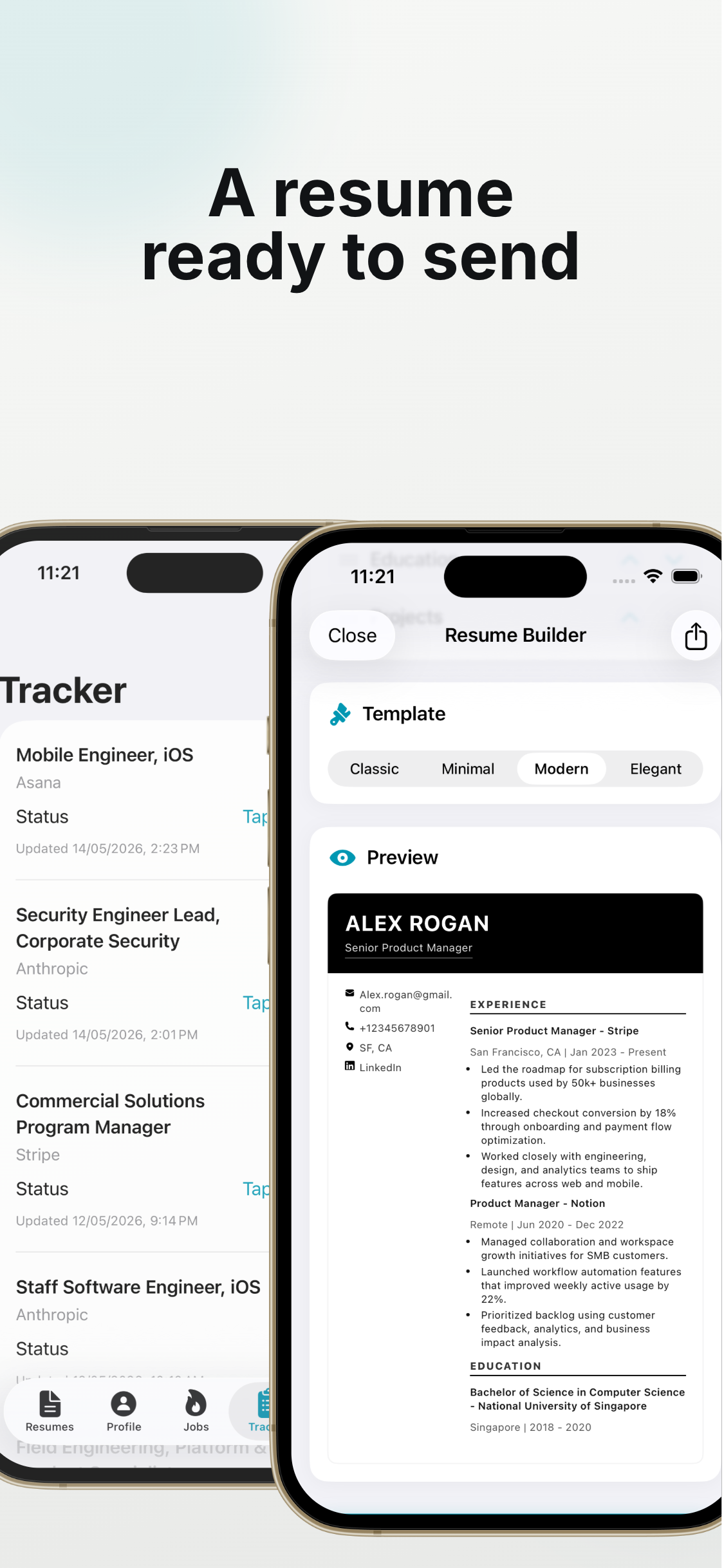
Review the Match First
Before opening the application, check role title, company, work mode, location details, and key requirements. Decide why the role fits your background.
Choose the Right Resume
If you keep multiple resume versions, pick the one closest to the matched role. The file name should make the choice obvious from your phone.
Autofill Repeat Fields
Use JobHunter to fill repeated profile and application fields faster. Then slow down for knockout questions and role-specific written answers.
Draft and Review the Cover Letter
If the application asks for a cover letter, create a quick draft and edit it around the role. Mention the company and the specific fit you noticed during match review.
Submit After a Final Check
Confirm the right resume is attached, required fields are complete, and answers are accurate. Matched does not mean automatic; you still control the final submission.
Track Matched Jobs After Applying
Finding a matched job is only the first step. Tracking what happened after you apply helps you follow up, prepare for interviews, and avoid duplicate applications.
Record the Role Immediately
After applying, save the job title, company, application date, and apply URL or source. Waiting until later makes details harder to recover.
A simple tracker is enough if it stays current.
Add Useful Notes
Write down why the role matched, which resume you used, and any questions you answered. These notes help if a recruiter contacts you days or weeks later.
Update Statuses Consistently
Use statuses like applied, interviewing, offer, rejected, or closed. Consistent statuses make your pipeline easier to scan.
Use JobHunter to Keep Context Together
JobHunter connects job discovery, application flow, and tracking so you can move from matched role to applied role without losing context.
Carry Match Context Into the Application
Before opening the form, write one sentence explaining why the role matched. Name the strongest requirement, the evidence in your background, and any question that remains. This note guides resume selection and prevents a promising listing from turning into a generic application once the career site opens.
If the employer redirects through several pages, confirm the final company, role title, and location still match the listing you reviewed. Stop when the destination looks unrelated or requests unusual payment or account information.
Move From Match to Submitted Application
Choose the closest resume family, tailor the most visible evidence, and open the application in Safari. Fill stable profile details, attach the verified file, and answer eligibility questions accurately. Use the original match note when drafting a short cover letter or role-specific response so the application remains connected to the reason you selected it.
Before submission, compare the application title and company with the saved role. This simple check prevents duplicate applications and mistakes caused by similar tabs.
Record the Application Immediately
Save the company, title, date, source URL, resume version, and current status as soon as the confirmation appears. Add any recruiter name, compensation detail, or question worth revisiting. If there is no confirmation, do not assume success; check for an email or return to the final form state.
Tracking creates a reliable history for interviews and follow-up. It also shows which match types lead to responses, helping you refine the profile and review routine.
Follow Up Without Losing Context
When a recruiter replies, reopen the saved job and the resume version you sent before responding. Review the original requirements and your application notes. Follow up through the official channel and avoid sending repeated messages when the employer has published a timeline.
Frequently asked questions
What should I save after applying?
Save the company, title, date, listing or application URL, resume version, status, and useful notes about requirements or written answers.
How do I avoid applying twice?
Check the tracker before submitting, then record the application immediately after receiving confirmation.
When should I follow up?
Use the employer's stated timeline when available. Otherwise, a concise follow-up after a reasonable interval is better than repeated messages.