
Job Application Autofill
A 10-Minute Job Application Workflow
A fast application should still be thoughtful. This 10-minute workflow helps you decide whether to apply, tailor the most important details, and finish the form efficiently.
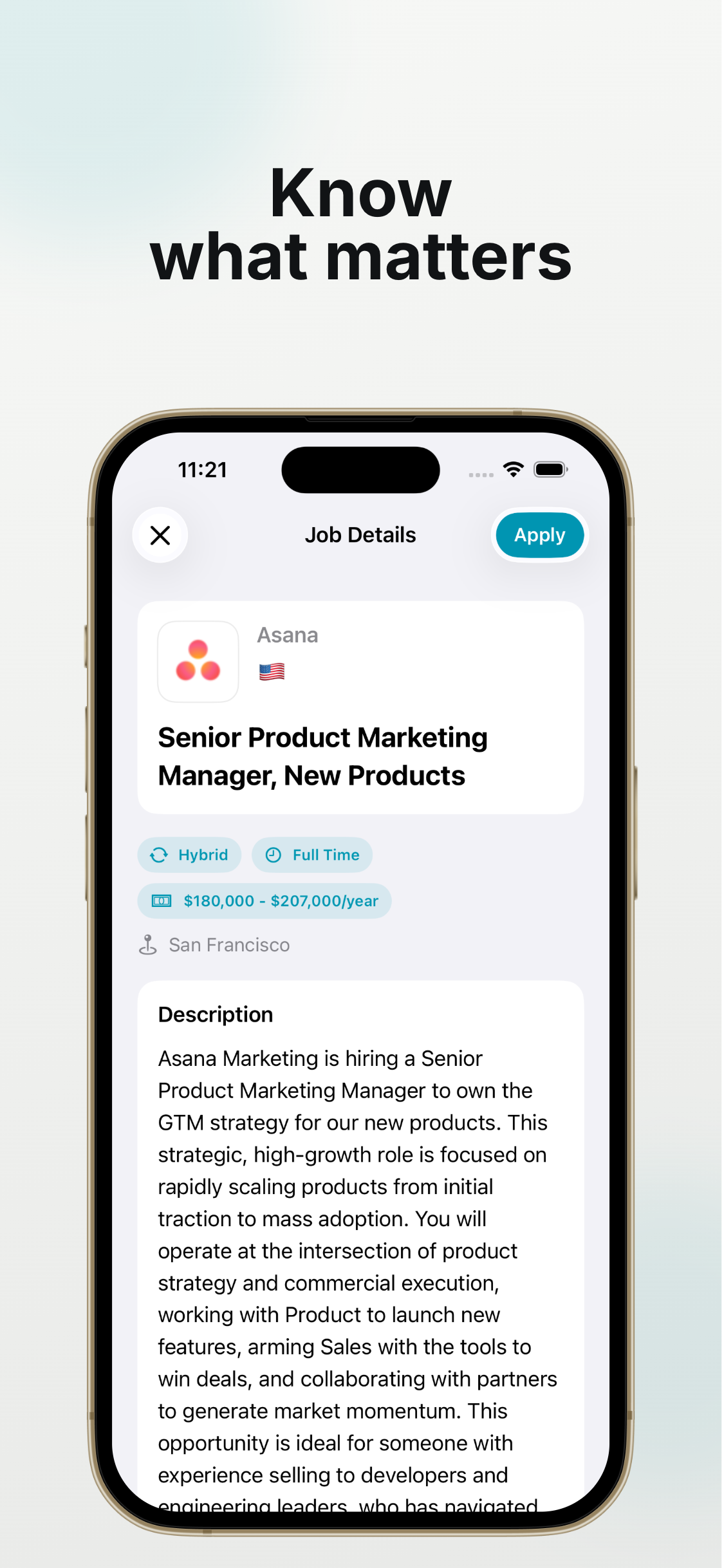
Minute 1-2: Decide if the Role Is Worth It
Check responsibilities, location, compensation if listed, work authorization requirements, and must-have qualifications. Do not spend time on roles that clearly do not fit.
Minute 3-5: Choose Resume and Key Angle
Pick the closest resume version and identify the top two reasons you fit the role. If needed, adjust the summary or a top bullet before applying.
Minute 6-8: Autofill and Attach
Use JobHunter to fill repeat fields from your saved profile and attach the right resume from your iPhone. This is where the biggest time savings happen.
Minute 9-10: Review and Submit
Check required fields, resume file name, knockout questions, and any written responses. Submit only after the application matches the role and your actual experience.
Minute Zero: Decide Whether the Role Deserves Ten Minutes
The timer starts only after a fit check. Confirm the title, seniority, location, work mode, core requirements, and compensation clues. If there is a hard mismatch, skip the role. A short workflow is not permission to apply indiscriminately; it is a way to complete strong matches before attention drifts or the listing becomes stale.
Keep one primary resume ready for the role family and a saved profile with accurate dates, education, contact details, and links. The preparation happens once, outside the ten-minute application window.
Minutes One to Three: Open, Scan, and Choose Documents
Open the employer's application in Safari and scan every section before typing. Note required documents, long-answer questions, and any unusual eligibility fields. Choose the correct resume version immediately so you do not reach the final page and discover that tailoring is needed. If the role needs a substantially different resume, save it for a focused session rather than forcing it through the timer.
Minutes Four to Six: Fill Stable Information
Use JobHunter to fill contact details, employment history, education, links, and other stable profile information. Compare dates and titles against the attached resume. Resolve parsing mistakes now, while the relevant section is visible. Do not rush required questions about authorization, sponsorship, relocation, or availability; a wrong answer can end the process before a recruiter reads the resume.
Minutes Seven to Nine: Tailor the Human-Read Sections
Edit the summary, written answers, or cover letter around two or three requirements that genuinely match your experience. Name a relevant result, tool, customer type, or project instead of repeating the job description. A concise specific response is more useful than a long generic one. If JobHunter creates a draft, check every claim and remove wording you would not use in an interview.
Minute Ten: Run a Submission Gate
Confirm the role and company, email address, phone number, location, eligibility answers, resume filename, and any required portfolio link. Read the final consent text and submit only when the application is accurate. Save the role and status immediately so you do not apply twice or lose the context needed for follow-up.
When to Ignore the Timer
Stop timing when the application includes a meaningful work sample, complex legal questions, a detailed compensation form, or a role worth major resume changes. The ten-minute workflow is a default for straightforward applications, not a rule that lowers quality.
Improve the Workflow After Each Session
Notice where the ten minutes were lost. If you repeatedly search for a file, simplify resume storage. If dates need correction, repair the saved profile. If every cover letter starts from zero, prepare a truthful evidence bank. Improve the reusable source rather than trying to click faster.
Frequently asked questions
Can every application be completed in ten minutes?
No. Use the workflow for straightforward, well-matched roles. Work samples, complex questions, and major tailoring deserve more time.
What should be prepared before starting?
Keep an accurate saved profile, the correct resume versions, portfolio links, and truthful eligibility information ready.
Does speed reduce application quality?
It does when you rush judgment. The workflow saves time on repeated facts so more attention can go to the resume, written answers, and final review.