
Job Application Autofill
Job Application Autofill vs Auto-Apply
Autofill and auto-apply sound similar, but they create very different job search workflows. Autofill speeds up forms. Auto-apply tries to submit applications with little or no review.
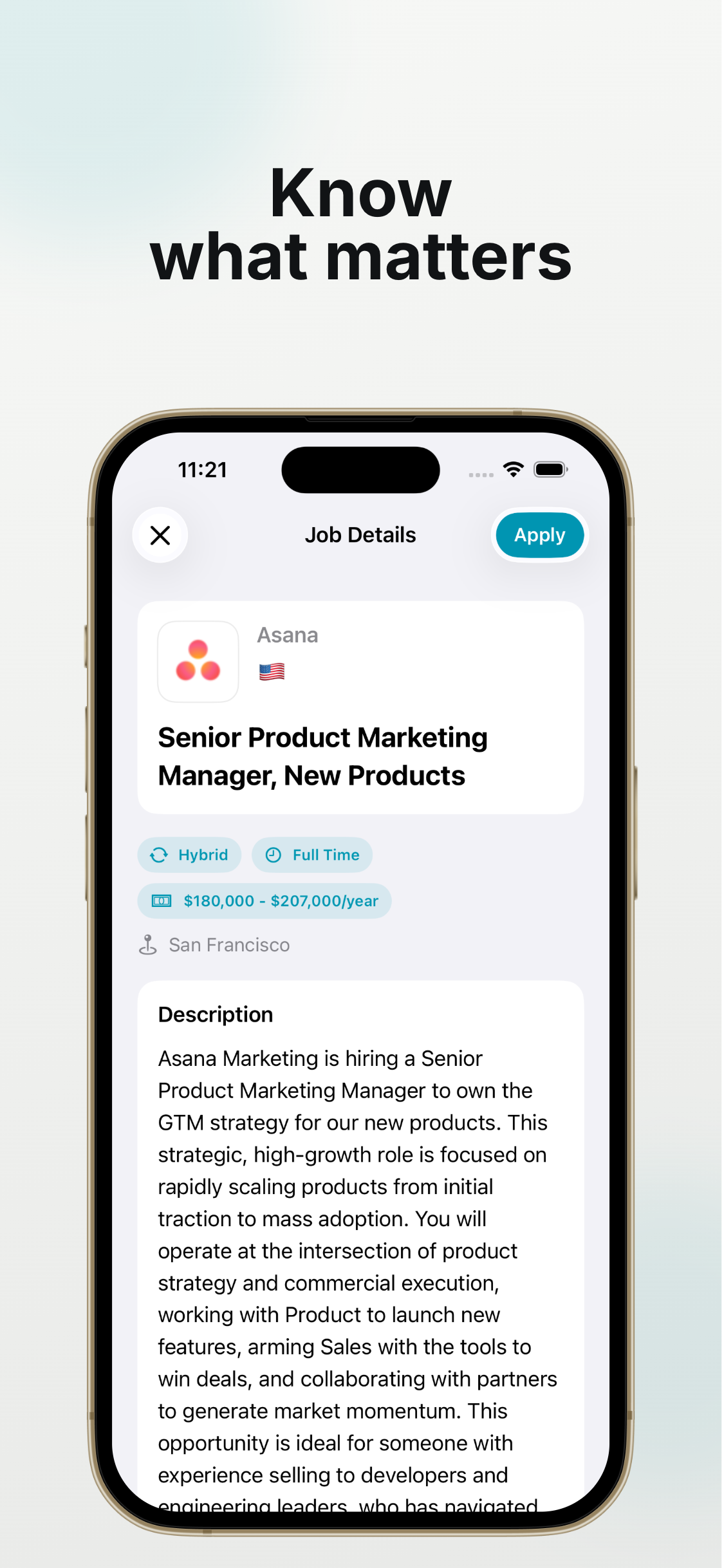
Autofill Keeps You in the Loop
With autofill, your saved profile fills repeated fields while you remain on the application page. You can edit answers, choose the resume, and decide when to submit.
This works well when the job is worth applying to and you want speed without sacrificing accuracy.
Auto-Apply Can Create Low-Quality Submissions
Auto-apply tools can be tempting when you are tired of forms, but they can submit to roles you would not have chosen, attach generic documents, or answer nuanced questions poorly.
For many job seekers, the better tradeoff is fast human-reviewed applications.
Use Review-First Automation
A practical workflow is to automate repeated typing and keep manual review for decisions. You still move faster, but your applications stay intentional.
This is especially important on company career pages with custom questions and compliance fields.
How JobHunter Approaches It
JobHunter focuses on iPhone form autofill, resume attachment, and quick cover letter drafting. It is built for people who want to apply faster while reviewing the application before submission.
Apply to Jobs Faster Without Auto-Submitting
Speed matters in a job search, but fully automatic submission can create bad applications. A review-first workflow keeps the time savings while protecting quality.
Separate Repetitive Fields From Judgment Calls
Name, email, phone, education, work history, and basic profile fields are repetitive. Role-specific questions, salary expectations, relocation, and cover letters need more attention.
Treat autofill as a first draft for the form, not the final application.
Use a Three-Pass Review
First, confirm the form is complete. Second, check answers that can reject you automatically. Third, tailor anything the recruiter will actually read.
This review is much faster than typing the entire application from scratch, and it prevents the common mistakes that come from rushing.
- Pass one: missing required fields.
- Pass two: eligibility, location, compensation, and work authorization.
- Pass three: role-specific written answers and documents.
Keep the Resume Attached to the Role
If you use multiple resumes, name them clearly by target role. The wrong resume can make an otherwise strong application look unfocused.
On iPhone, keep the current resume easy to reach so attaching it does not break your application flow.
Use JobHunter for the Repeat Work
JobHunter is best used to remove repeated typing, speed up resume attachment, and draft quick cover letters. You still review the final application yourself before submitting.
Choose Automation by Risk, Not by Speed Alone
The safest dividing line is whether a task requires judgment. Copying a phone number, LinkedIn URL, school name, or employment date is low risk when the saved source is accurate. Choosing a salary expectation, describing why you want the role, answering a sponsorship question, or deciding which resume to use carries much more risk. Autofill is appropriate for the first group because the applicant remains present. Auto-apply often tries to make decisions in the second group without enough context.
A high application count is not useful if the submissions target the wrong locations, attach irrelevant resumes, or contradict your actual background. Recruiters also notice generic answers. A review-first workflow optimizes the number of credible applications you can submit, not the number of forms a bot can touch.
A Practical Decision Matrix
Use autofill when the role has been reviewed, the form is open in front of you, and you can correct every value. Use a saved answer as a starting point when the question repeats but its wording may change. Write a fresh answer when the employer asks about its product, mission, role, or a specific situation. Skip automation entirely for legal attestations that you do not understand.
Before submitting, ask four questions: Did I choose this role intentionally? Is every factual answer true today? Are the resume and cover letter meant for this role? Would I be comfortable explaining every answer in an interview? If all four answers are yes, automation has supported the application rather than replacing your judgment.
Measure the Right Outcome
Track completed, qualified applications and recruiter responses rather than raw submission volume. If faster forms create more errors or fewer relevant replies, narrow the target roles and strengthen the review step. If the applications remain accurate and you consistently finish roles you would otherwise abandon on mobile, the workflow is working.
Frequently asked questions
Is autofill the same as auto-apply?
No. Autofill proposes values inside a form you are reviewing. Auto-apply attempts to select roles and submit applications with limited or no final review.
Can a fast application still be tailored?
Yes. Save time on stable facts, then use that time to tailor the resume emphasis, cover letter, and company-specific questions.
What is the biggest risk of auto-apply?
It can create inaccurate or irrelevant submissions at scale, including wrong eligibility answers, generic documents, and applications to roles you would not choose yourself.